Client
The Client has several functional units: an input unit, a sound synthesis unit und a real-time notation unit. Music can be played into the computer either through a microphone, a MIDI controller or simply the computer keyboard. If the music is input via microphone, a pitch tracker integrated into the program provides for the recognition of the pitches and their transformation into corresponding MIDI messages. The input unit employs a modified MIDI protocol for the transmission of musical events using MIDI cents for steady pitch and amplitude as well as for continuous pitch and amplitude changes. The note and bend events are played back by a built-in multi-timbral, polyphonic sampler, which dynamically loads a specified bank of sounds on startup. Thus, every piece can sound distinctively different. The sounds can be further processed with VST plug-ins. Alternatively, VSTi or MIDI instruments can be used for playback. This way, a pianist located in Hamburg could play on a Yamaha Disklavier placed anywhere else in the world.
The Client has six identities: Player 1 through 5 and Listener. If set to Listener, the Client will allow participants to follow a performance without actively interacting with the five players.
As soon as a note event arrives to the Client, the music will be drawn onto the computer screen in “space” notation, in eighth-tone precision on five grand staves. The Client can import an unlimited number of arbitrary tuning maps. The use of (pitch) filters, a secondary tuning map or pitch grid, permits further control of melodic and harmonic events. Hence, the notation unit possesses three pitch grids: The primary tuning grid (flexible), the secondary filter grid (flexible), and a fixed tertiary grid for eighth-tone notation. Real-time notation facilitates the interaction of players that are sometimes thousands of miles apart form each other, even with non-pitched or complex samples. Composer and computer musician Chris Brown wrote about the use of real-time notation: “Sharing a notation space really broke new ground for this kind of music.”
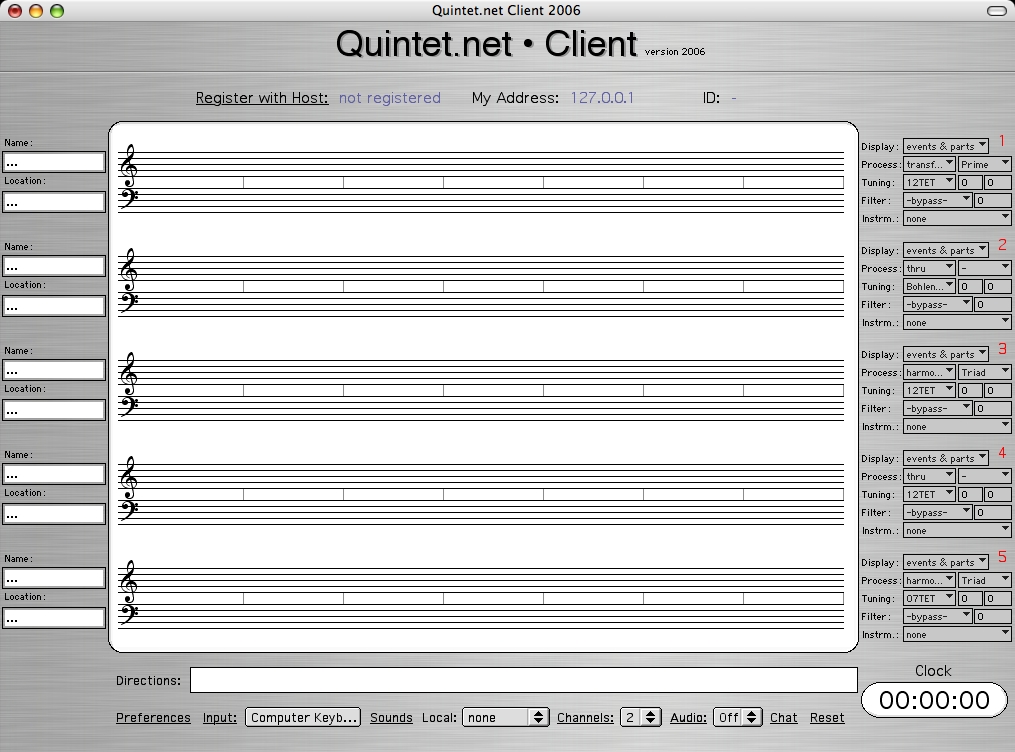
The Client features an elegant browser-like graphical user interface:
Quintet.net uses a proprietary format for its built-in sampler. Banks and instruments can be designed with the Composition Development Kit.

Register with host: A performer specify his/her the Server IP address, name and address as well as the number of the grand staff he or she is going to play on (identity). Playing behind a firewall with network address translation (NAT) can lead to problems. In this case, a player or listener needs to first open certain ports and obtain his/her public IP address.
Inputs: Multiple inputs from controllers, sensors or other software can be choosen from the inputs pane:
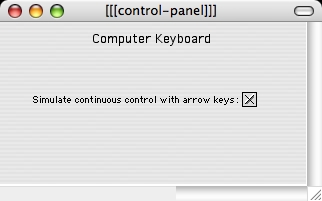
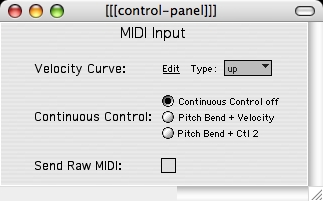
Clicking on "open" will open individual control panels for the default inputs...
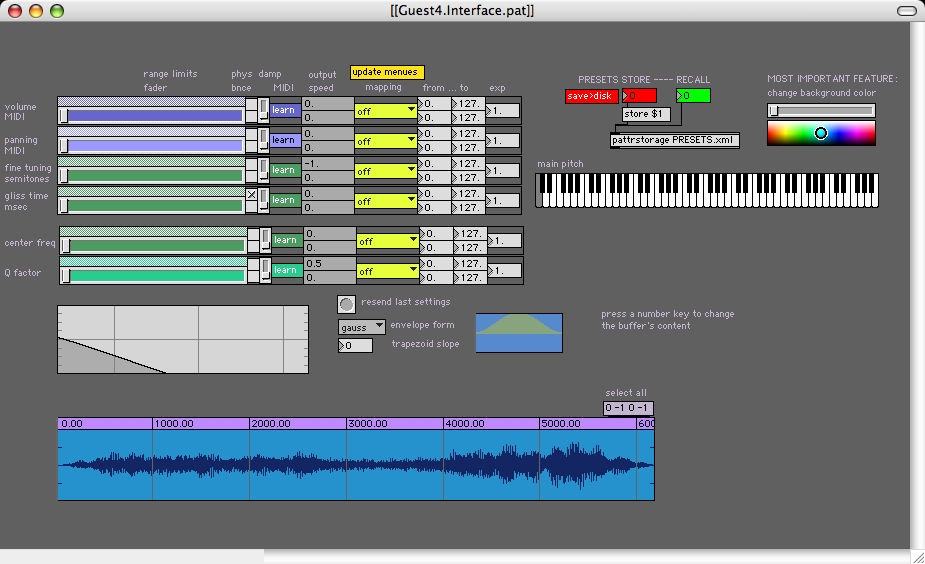
... or inputs added by users such as the Guest4 input created by Johannes Kretz...
... or the p5 glove input programmed by Marlon Schumacher:
Audio/Channels: The audio output can be either stereo or 5.1 surround. The loudspeakers can be set and the 9 sound sources can be spatialized by moving symbols around in this window:

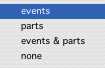
Display: The player can choose from 4 different display styles.
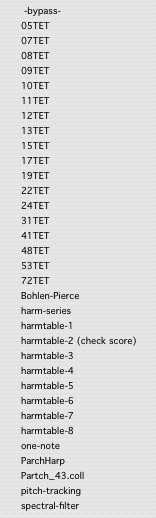
Tuning/filter: Each performer can choose an individual tuning. The list can be expanded simply by adding an unlimited number of files with tuning definitions to folder called "Tuning-Filters inside the "Abstractions" folder.
Process: Various effects can be applied to the stream of events...
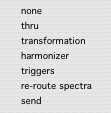
...among which the harmonizer offers most choices:
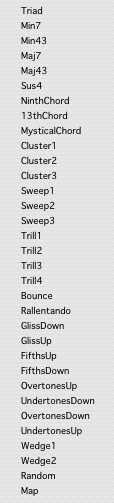
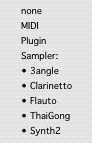
Instr(ument): The menu will display the names of all available instruments after loading a bank:
Preferences: Click here for detailed information.